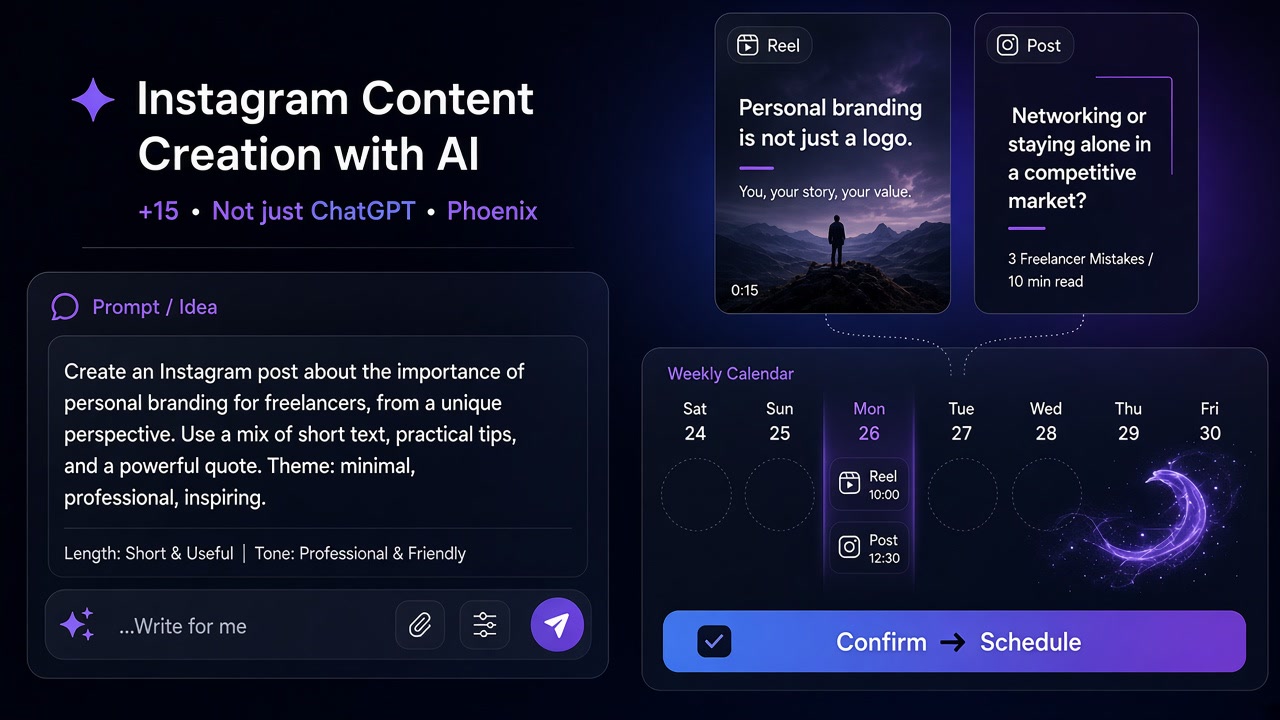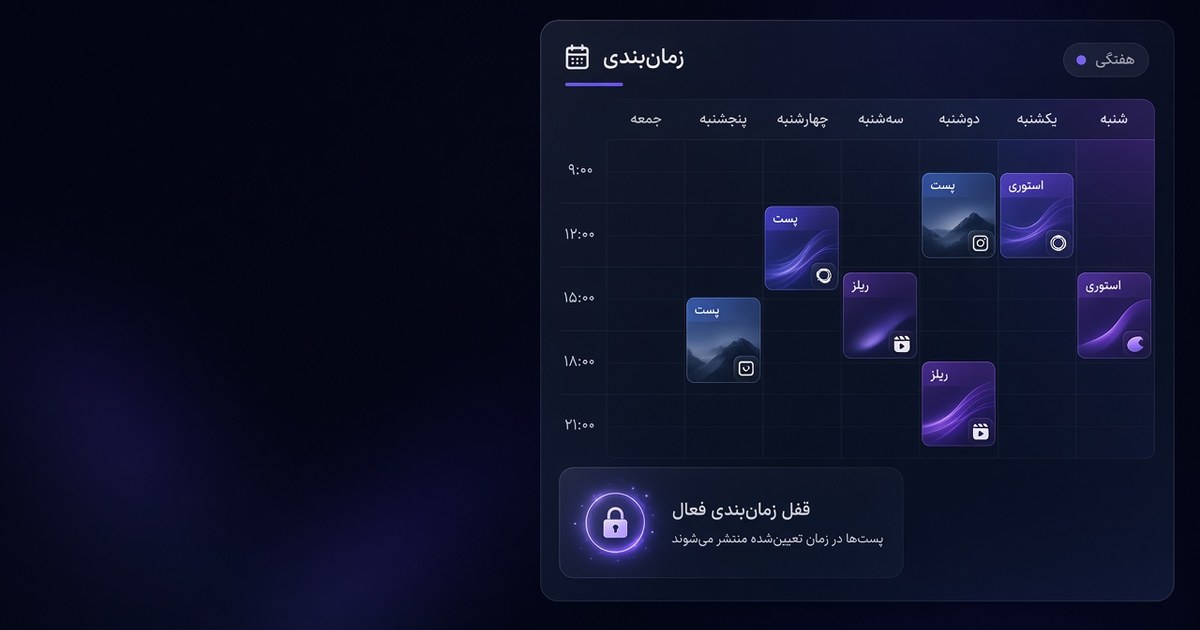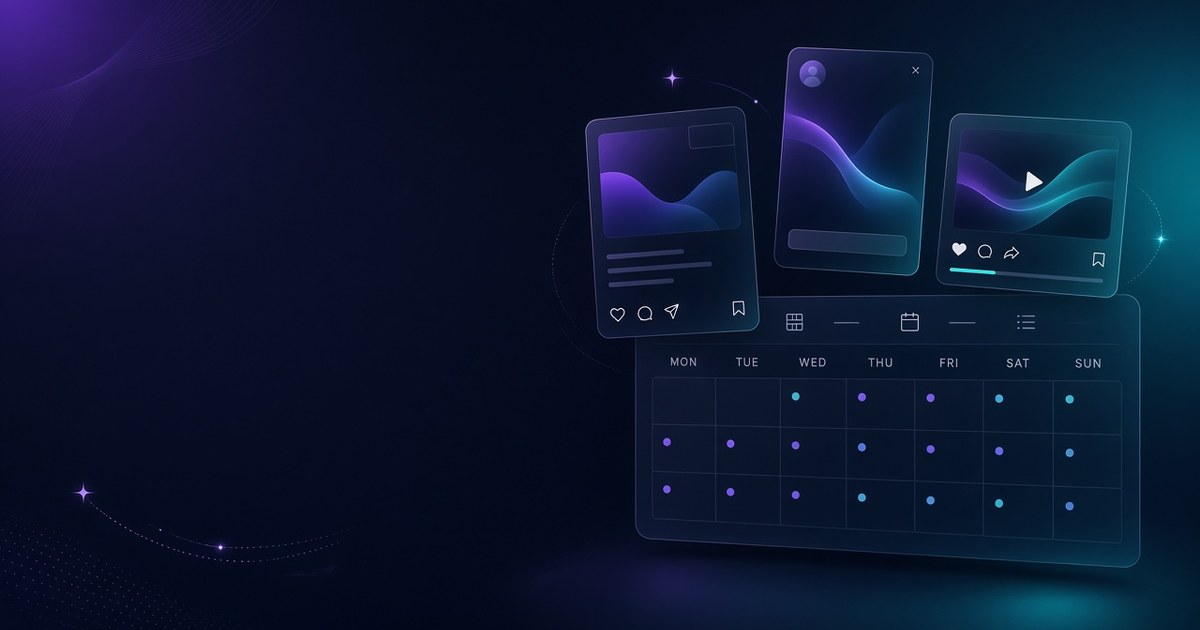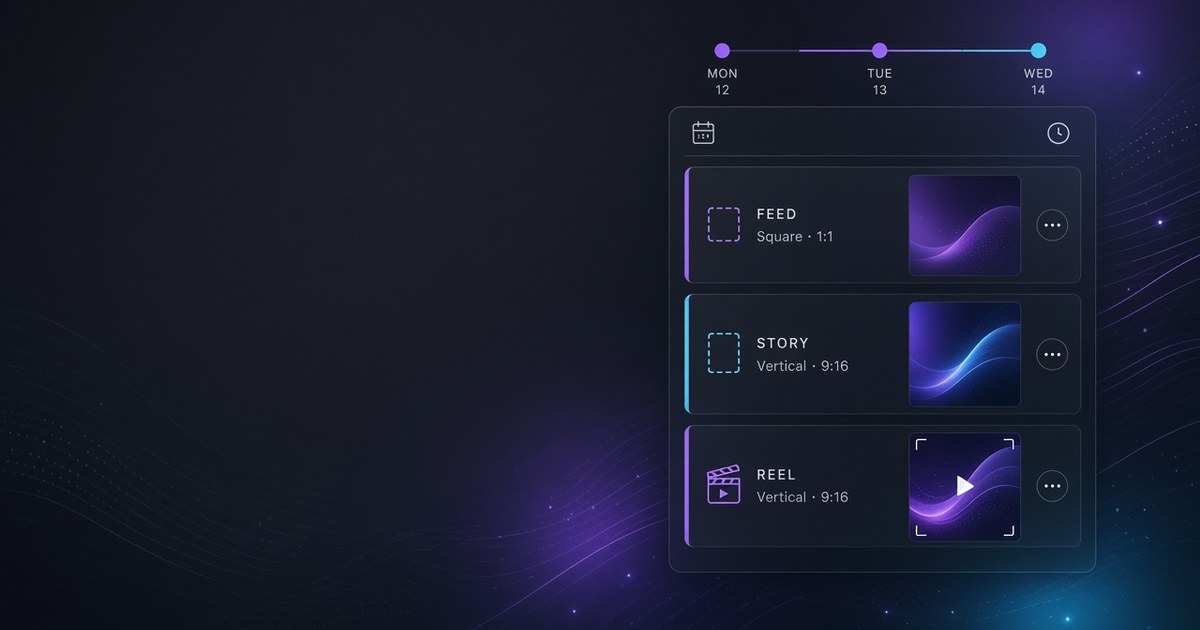
An AI social media scheduler is more than a queue that posts at a set hour. It helps you draft captions, shape images or short video, then lock those assets on a multi-network calendar so you are not jumping between a chat tab, a design app, and a separate publisher. If you run several accounts or ship feed posts, stories, and Reels in the same week, that gap between “idea” and “published” is where time disappears.
This guide defines the category, contrasts it with classic Buffer-style tools, lists the features that matter, and shows when ASONET fits.
Definition
A classic scheduler takes finished creative and fires it at a clock time. An AI social media scheduler (also called an AI social media management tool) adds a creation layer: caption drafts, idea variants, image or short-video help, then the same item moves into schedule without a full copy-paste chain.
Multi-network does not mean one caption pasted everywhere. It means one parent idea, several adapted outputs—shorter for stories, more formal for LinkedIn, hook-first for Reels—each with its own preview and time slot.
The product category sits between “chatbot only” and “enterprise social suite.” You want speed on repeatable work, and a human still owns brand voice and final approve.
vs classic Buffer (scheduler-only vs AI create+schedule)
Buffer and similar tools earned trust as reliable schedulers: pick channels, set times, review before publish. That model still works when creative is already done elsewhere.
The AI create+schedule model changes the bottleneck. Instead of generating copy in one place, exporting a video in another, then importing into the queue, the assistant sits closer to the calendar. You still review; you just shuttle less.
Fair contrast, not a put-down:
| | Classic scheduler (e.g. Buffer-style) | AI social media scheduler | | --- | --- | --- | | Strength | Dependable queue, channel coverage, review step | Draft + visual/video assist inside the same workflow | | You bring | Finished assets | Brief, brand notes, final taste | | Best when | Design and copy already live in other tools | You need faster first drafts across 15+ networks | | Risk if misused | Over-scheduling thin content | Publishing unedited AI drafts |
Buffer’s own direction—connectors, draft-then-review—shows the industry moving toward AI-assisted drafts with a human gate. An AI social media management tool simply puts more of that creation next to the calendar from day one.
Novinhub, Mydrop, and peers each solve parts of planning and publishing well. Judge them on how close AI sits to your calendar, how deep image/video generation goes, and whether previews respect story vs feed vs Reel—not on slogans.
Features checklist
Before you pick a vendor, check these in a real trial:
1. Calendar that knows content types — Feed, story, Reel/Short as first-class types, not one square slot for everything. 2. Per-network selection and preview — Aspect ratio and crop preview; no blind “post everywhere” checkbox. 3. AI captions you can edit — Language control, length, tone; drafts never auto-publish without you. 4. AI image / short video in-flow — Generate or finish assets without leaving the scheduler, then lock time only when the file is ready. 5. Draft vs scheduled states — Incomplete renders stay drafts; scheduled items do not ship half-built files. 6. Light analytics — What shipped, where, and which formats earned saves or watch time—enough to fix timing next week. 7. Team-friendly review — Even solo operators benefit from a clear approve step before go-live.
If a tool only scores on queue depth but forces all creative outside, it is still a classic scheduler. If it generates copy but cannot schedule stories and Reels properly, it is only half an AI social media management tool.
Who it's for
You likely need an AI social media scheduler when:
- You manage more than one network (Instagram plus Telegram, LinkedIn, X, TikTok, or local channels) from one plan. - You publish mixed formats—stories, Reels, carousels—not only static feed posts. - You are a freelancer, small brand, or lean agency and production hours are the constraint. - You already use a chatbot for captions and feel the copy-paste tax.
You may not need one yet if you post once a week on a single network and design is already handled in a dedicated studio. Start simple; upgrade when the queue breaks.
How ASONET fits
ASONET is built for the create+schedule loop: brief in, adapted posts out, times locked on one calendar.
- 15+ networks on a single visual calendar—pick channels one by one, preview, then schedule. - Nova for AI captions, images, and short video in the same workspace (Persian or English drafts you still edit). - Story, Reel, and feed treated as different types so crops and timing stay sane. - Soft analytics so the next week’s plan is based on what actually shipped—not guesswork.
If you are coming from an Instagram-only scheduler or a Buffer-style queue with creative elsewhere, try one week inside ASONET: generate or refine a few assets with Nova, adapt copy per network, and lock staggered times. The product pages and guides walk that path without forcing a hard sell—use the trial to see if the loop actually shortens.
Short wrap-up
An AI social media scheduler combines drafting help with multi-network timing. Classic tools like Buffer remain excellent when assets are finished elsewhere; the AI category wins when creation and scheduling must live closer together. Use the checklist above, compare Novinhub, Mydrop, and others fairly against your real workflow, and pick the tool that cuts shuttle time without removing human review. ASONET pairs Nova with 15+ networks when that is the gap you need to close.
---
FAQ
What is an AI social media scheduler? A tool that helps create or refine captions and visuals with AI, then schedules those posts across networks from one calendar—with a human review step before publish.
How is it different from a classic Buffer-style scheduler? Classic schedulers excel at queuing finished posts. An AI social media scheduler adds in-workflow drafting (and often image/short-video help) so you copy-paste less between apps.
Is an AI social media management tool the same thing? In practice, yes for this guide: both names point to create+schedule platforms. “Scheduler” stresses timing; “management tool” stresses the wider workflow.
Who needs one? Freelancers, small brands, and lean agencies running multiple networks or mixed formats (stories, Reels, feed). Single-network, low-volume posters can stay on a simple queue.
What features matter most? Content-type calendar, per-network preview, editable AI captions, in-flow image/video, draft vs scheduled states, and light analytics.
How does ASONET fit? ASONET schedules across 15+ networks and uses Nova for AI captions, images, and short video in the same workspace—built for create+schedule, not queue-only.
Should AI posts publish automatically? No. Keep a human approve gate. AI speeds drafts; brand voice and risk stay with you.