# AI Instagram content generator vs ChatGPT prompts: what actually ships posts
An AI Instagram content generator helps you draft captions, visuals, and sometimes short video for feed posts, Stories, or Reels—then keep that draft next to a publish calendar. ChatGPT excels at ideas and copy, but a prompt chat usually still needs a design tool and a separate scheduler. This guide compares a prompt-only stack with an in-tool generator, shows a Nova create→approve→schedule path on a multi-network calendar (15+), and clarifies when ChatGPT alone is enough.
What “AI Instagram content” actually means
AI Instagram content is not “a clever prompt in a chat.” It means using AI to draft captions, images, and—when supported—short video for feed posts, Stories, or Reels, then human-editing and locking a publish time when needed.
A practical scope has four layers:
1. Caption and hook — angles, voice, CTA, hashtag brainstorms 2. Visual — image or carousel at the right Post / Story / Reel ratio 3. Short video (when supported) — opening hook, captions, Reel-friendly length 4. Calendar — content type plus a locked hour, not only a saved file
If your week looks like ChatGPT → Canva → Buffer or Later, that three-app friction is real—not because any tool is “bad,” but because every handoff costs time. An AI Instagram content generator beside scheduling shortens that path. See also: what an AI social media scheduler is.
Where ChatGPT prompts shine
Be fair: ChatGPT (and OpenAI’s models) are strong at the text layer. Many creators start there—and should.
Brainstorm hooks, captions, tone variants, hashtag brainstorms
ChatGPT usually excels at:
- Weekly ideation — several angles from one offer or product - AI Instagram captions — hook, body, CTA drafts you can edit - Tone variants — tighter for Stories, hook-first for Reels, more formal cousins for LinkedIn - Hashtag and headline brainstorms — as starting lists, not final law
If you only need copy variants and finish visuals elsewhere, a good ChatGPT Instagram prompt stack is genuinely useful. We do not claim Nova “beats ChatGPT at writing.”
Friction: copy-paste, no IG format preview, no multi-network queue
Where a prompt-only stack stalls:
- Copy-paste tax — chat → design app → scheduler; each hop can drop CTA or voice - No Instagram format preview — the chat does not show Post vs Story vs Reel crop - No multi-network queue — you cannot lock adapted versions on one week view - Team handoff — editor or client approve outside the chat is awkward
So: ChatGPT is excellent for drafts; shipping timed Instagram posts with AI usually still needs design plus a scheduler—or one integrated stack.
Prompt stack vs integrated generator
Criteria only—no fake scores. Compare the path, not a mythical “winner.”
| Criterion | Prompt stack (e.g. ChatGPT + Canva + Buffer/Later) | Integrated generator (e.g. Nova inside a scheduler) | | --- | --- | --- | | Text draft | Strong ideas and captions | Draft kept next to content type and calendar | | Visual | Usually a separate design app | Image / short video in the same flow (when supported) | | Human approve | Manual, outside the chat | Explicit gate before the queue | | Lock time | Separate scheduler | Same day/week calendar | | 15+ networks | Manual paste or multiple tools | Parent idea → adapted outputs | | Team handoff | Scattered chat links and files | Draft → approve → schedule in one path |
A three-app stack stays flexible; an integrated generator cuts handoffs. Neither guarantees reach—and this guide makes no such claim.
Nova workflow: create → approve → schedule
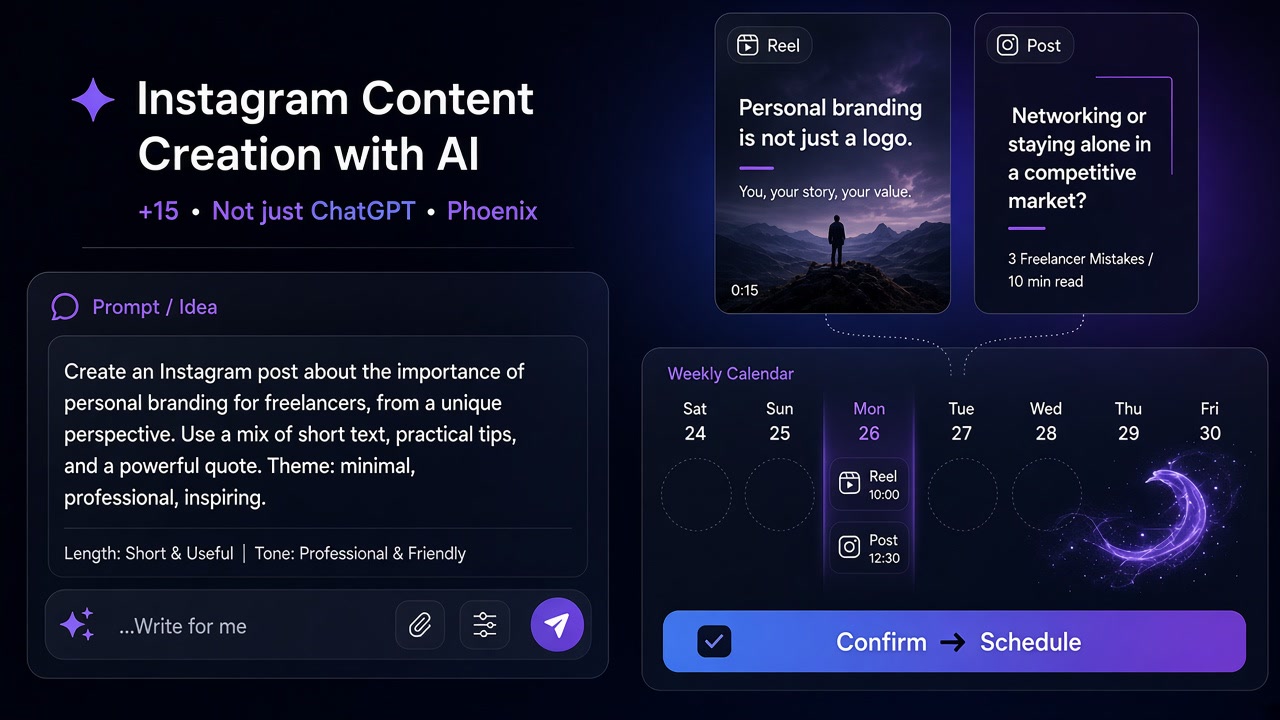
In ASONET the AI creation layer is Nova. The practical loop is create → human approve → schedule on a 15+ network calendar. Raw auto-publish without review is not the pitch.
One parent idea → adapted caption + visual
One parent idea (“three packaging mistakes”) can become:
- An educational carousel with a fuller caption - A three-frame Story with shorter copy - A hook-first Reel with vertical creative - A shorter cousin for another network
Nova drafts caption and visual (and short video where the product supports it) close to the content type. Adapt tone and aspect ratio—do not paste one caption everywhere.
Human edit before the queue
Before anything enters the queue:
1. Check brand voice, spelling, and CTA yourself 2. Prune hashtags; stuffing AI lists is usually weak 3. Preview Post / Story / Reel crop 4. Move to scheduled only after approve
AI speeds drafts; brand risk stays with you.
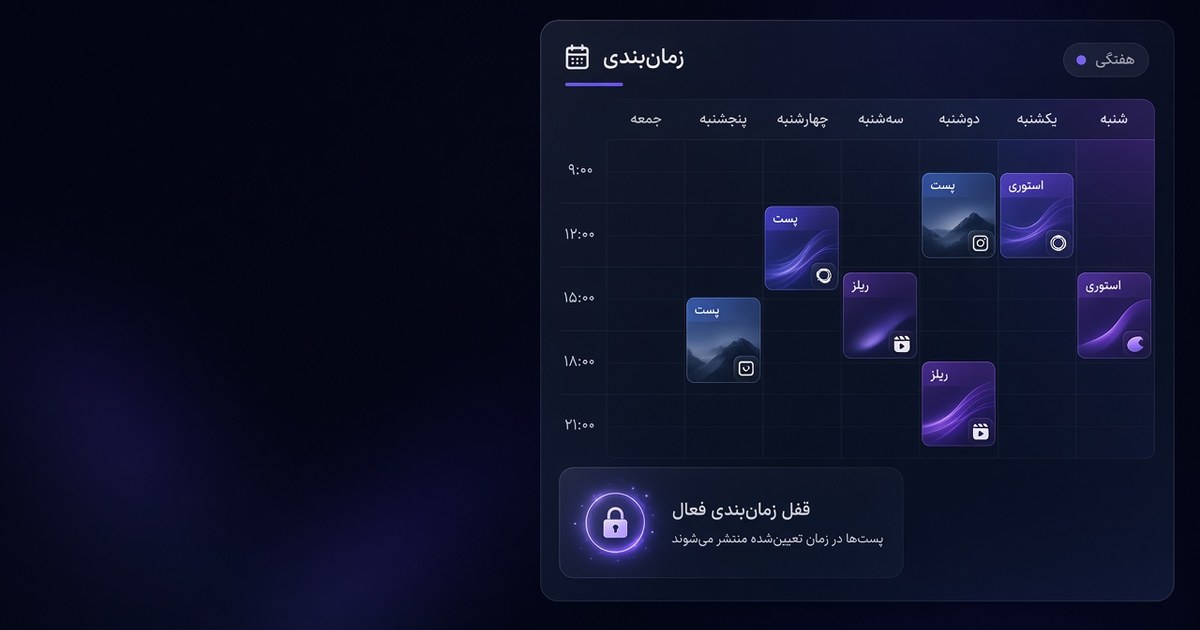
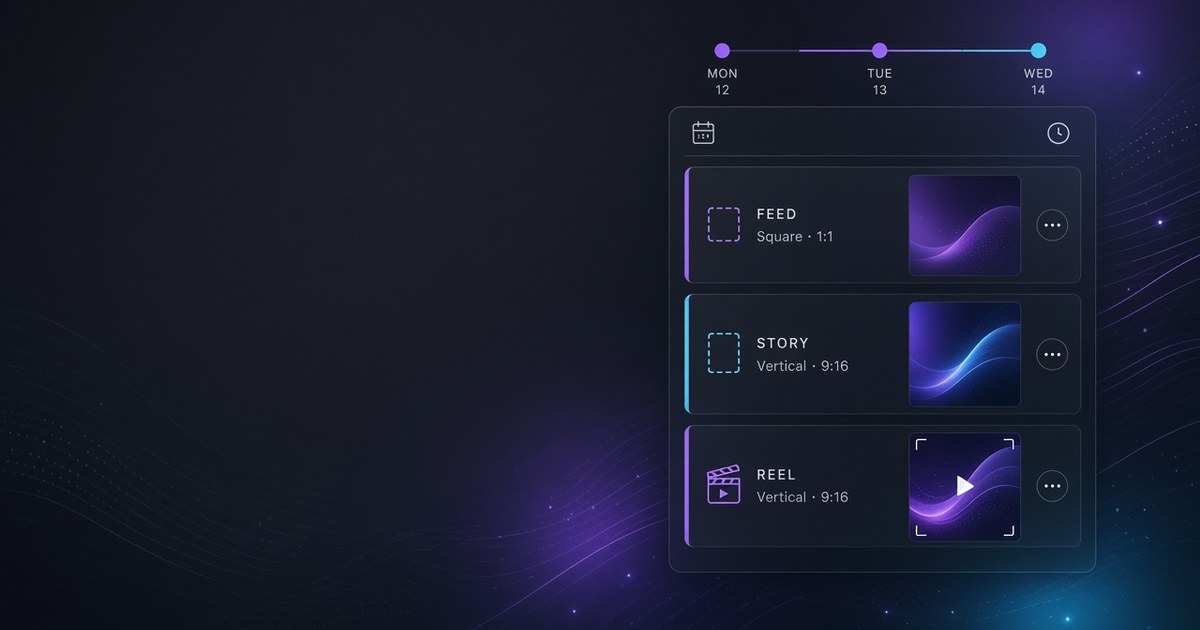
Set Post / Story / Reel on the day calendar
On the day view every slot needs a type—Post, Story, or Reel. Right types mean correct crop, Story sequence, and complete Reels. Without types, the calendar is only a list of hours. For lock-time detail by format, see how to schedule Instagram posts with AI tools.
When ChatGPT alone is enough vs when you need the full stack
ChatGPT (prompt-only) is often enough when:
- You mainly need ideas and caption variants - Visuals are finished in a studio or a separate design app - You run one Instagram account at light volume and native scheduling covers you - You are solo and the copy-paste tax is still tolerable
The full stack (generator + calendar) fits when:
- You ship mixed formats weekly—feed, Stories, Reels - You want the draft beside preview and clock time - Several networks share one plan and blind cross-posts fail - Human approve and team handoff must be visible - ChatGPT → Canva → Buffer/Later handoffs burn hours
If you already use a classic Buffer-style queue and creation is the bottleneck, see Buffer alternative 2026. Goal: shorter draft→locked publish—not migration for its own sake. Optional: Buffer alternative.
Common AI Instagram content mistakes
1. Blind cross-posting — one ChatGPT caption for Instagram, LinkedIn, and Telegram with no tone or length adapt 2. Hashtag stuffing — dumping long AI lists without pruning 3. Reel without a hook — script or visual with no clear promise in the first seconds 4. Ignoring Insights — picking hours from generic tables instead of that account’s data 5. Raw AI publish — Nova or ChatGPT output queued without a human edit 6. Ignoring content type — treating Stories and Reels like square feed posts 7. Virality assumptions — expecting AI alone to create reach
Cut one mistake per week.
How this ties to Instagram scheduling
Generation without scheduling only builds a draft pile. Scheduling locks publish time for feed posts, Stories, and Reels. When the generator sits next to that calendar, human approve is one step from ship—not three apps apart.
For native vs tool, Stories, Reels, and weekly rhythm: how to schedule Instagram posts with AI tools. Broader category: AI social media scheduler.
Try it in ASONET
Soft path to test create→approve→schedule:
1. Pick one parent idea for the week 2. Draft caption and visual with Nova 3. Edit and approve yourself—no raw publish 4. Lock Post / Story / Reel on the day calendar 5. Add staggered, adapted versions on other networks if needed 6. Tune next week from that account’s Insights
Plans and Free limits are as stated on ASONET pricing—no invented counts here. A human approves before schedule.
FAQ
What is an AI Instagram content generator? A tool that drafts Instagram captions, images, or short video with AI and keeps those drafts close to formatting and scheduling—so you edit once, then lock a publish time.
Is ChatGPT enough for Instagram content? For brainstorming and captions, often yes. For on-brand visuals, format preview, Stories/Reels typing, and multi-network queues, most teams still add a design app and a scheduler—or use one integrated stack.
How is an in-tool generator different from ChatGPT prompts? Prompts return text in a chat you must move elsewhere. An in-tool generator (like Nova in ASONET) keeps the draft beside content type and calendar so, after human approve, you can schedule without re-pasting.
Can AI post to Instagram without human review? Some tools allow aggressive automation; a safer default is create→approve→schedule. ASONET’s Nova path expects human edit before the calendar fires.
Do I still need a separate scheduler if I use ChatGPT? Usually yes—unless your AI tool already includes a calendar. Native Instagram scheduling covers light single-account use; teams on 15+ networks typically want a multi-network calendar.
Is paying for ChatGPT + Canva + Buffer better than one AI scheduler? It depends on volume and team size. Three apps can be flexible; one create+schedule stack cuts handoffs. Compare features and /en/pricing rather than assuming either stack always wins.
Next steps
- How to schedule Instagram posts with AI tools — Stories, Reels, calendar, lock time - What is an AI social media scheduler? — category definition and checklist - Buffer alternative 2026 — fair classic-queue vs AI create+schedule - Buffer alternative (compare hub) — optional product compare - Persian version of this guide - ASONET pricing — plans and soft start