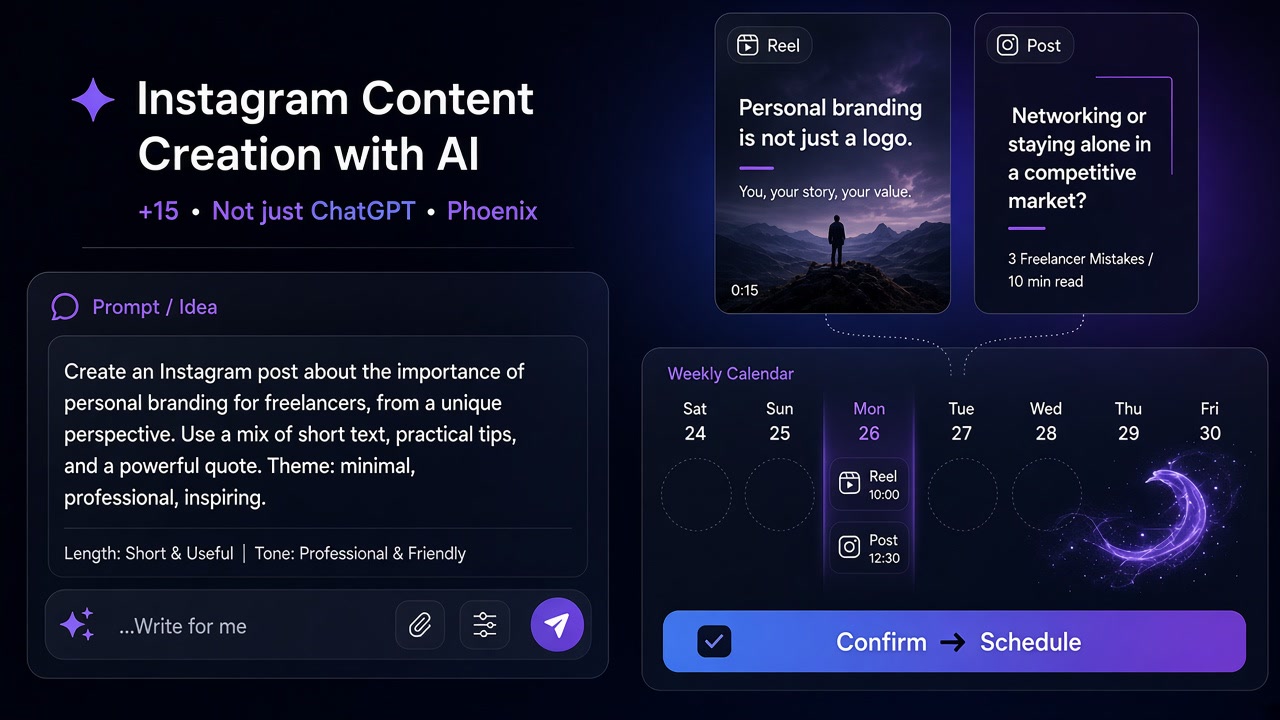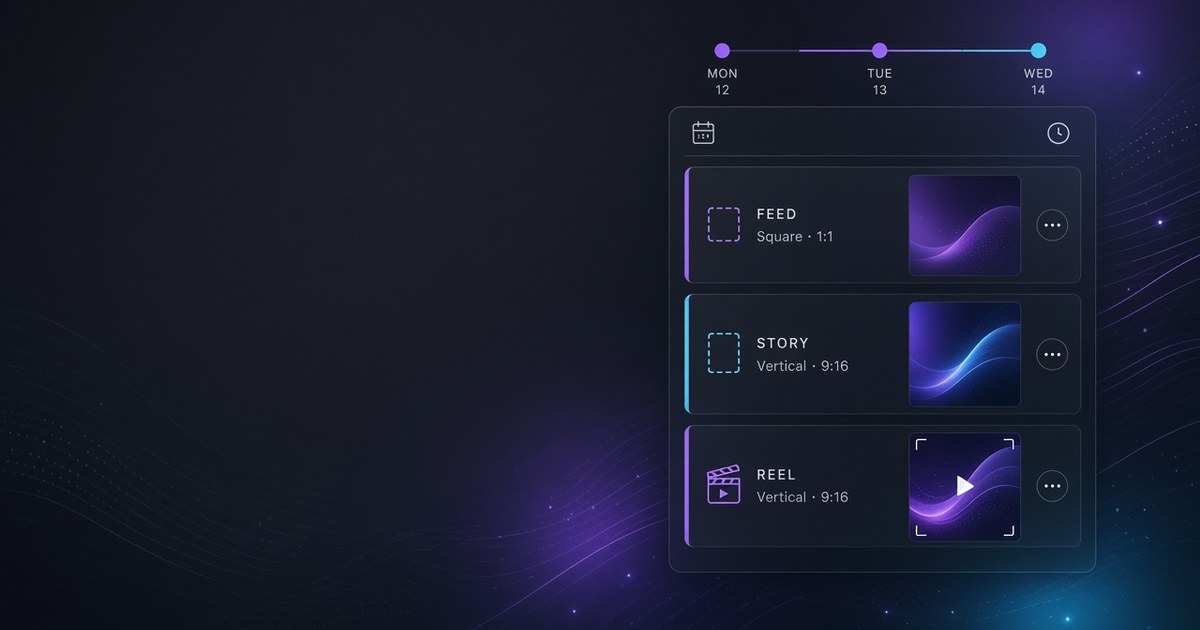
Scheduling Instagram posts means locking a publish time for feed posts, Stories, and Reels — not only saving a draft. If you ship several assets a day, a missing queue or calendar either publishes late or into a dead hour. This guide compares Meta’s native scheduler with AI-assisted tools, shows how to generate captions or visuals with Nova, approve them, then lock each format on one multi-network calendar (15+), and flags Story-sequence and Reel-file mistakes that break queues.
What Instagram post scheduling actually means
To schedule Instagram posts is to choose and lock a publish time for a feed post, Story, or Reel so the asset goes live without you sitting on the phone at that minute. A draft only stores the file; a schedule is a commitment to the clock.
That difference matters for lean brands and freelancers mixing carousels, Stories, and Reels: without an Instagram content calendar you ship late or guess the hour. When the same idea must reach Telegram, LinkedIn, TikTok, or other channels, an Instagram-only queue is not enough—you need a multi-network calendar. Category context: what an AI social media scheduler is.
Native Instagram scheduling vs AI tools
Meta offers native scheduling in the app or Business Suite for many professional/creator accounts—fine for one account and moderate volume. Friction starts with mixed formats, several networks, or AI drafts plus human approve on one calendar.
| | Native Meta | AI tool + multi-network calendar | | --- | --- | --- | | Strength | Official ecosystem; low friction | Captions/visuals + typed multi-network queues | | You bring | Finished assets | Brief, brand voice, final taste | | Best when | One brand; creative done elsewhere | Several assets/day; 15+ networks | | Risk | Busy queue, weak week view | Raw AI drafts publishing |
Be fair: native is not weak. If Instagram is your only channel and files are finished, Meta’s scheduler is often right. An AI-assisted tool earns its place for create→approve→lock—or a shared multi-network week—not because fashion says “use AI.”
When native is enough
- One professional/creator account and light-to-moderate weekly volume - Assets are finished in a studio or on-device; you only need a clock - No need to stagger the same idea onto Telegram, LinkedIn, Shorts, or other channels - Solo operator; no multi-brand calendar view required
Do not abandon native only because this guide discusses AI. For simple feed locks (and Stories/Reels where your account allows), Meta’s path remains solid.
When you need AI create + a shared calendar
- Several formats per day—feed, Story, Reel—with separate previews - More than one brand or network on the same weekly plan - You want AI captions or visuals, a human edit, then a locked time - You need staggered times per network, not a blind “post everywhere now”
If you use a Buffer-style queue and creation (or locale/payment friction) is the bottleneck, see Buffer alternatives in 2026. Goal: shorter idea→publish, not migration for its own sake.
How to schedule Instagram Stories
Stories last 24 hours and sequence order matters. Before you lock:
1. Preview/crop — Keep text off vertical edges. 2. Sequence — Hook → value → CTA in order with a short gap; peak then dead hours breaks the story. 3. Timing — Midday/early evening are hypotheses, not law. Your Insights are the benchmark. 4. Content type — Do not park Stories in a square feed slot.
Keep incomplete frames as drafts; lock only after crop and copy are approved.
How to schedule Reels (and Shorts/TikTok cousins)
Reels are not static feed posts: they need a complete file, a strong hook, and spacing.
- Complete file before queue — No unfinished renders or unapproved audio; keep draft vs scheduled separate. - Hook — First seconds must match the caption promise. - Spacing — Two Reels in the same hour usually compete. - Shorts/TikTok — Adapt crop, length, and caption; blind copies are weak.
Set type to Reel, check the vertical preview, then lock—never as a square feed placeholder.
AI workflow: Nova → human approve → calendar lock
In ASONET the practical loop is three layers: generate with Nova, human approve, then calendar lock. Raw auto-publish without review is not part of the path.
Captions, images, short video — edit before queue
Nova is ASONET’s AI layer for captions, images, and short video. Bring a brief, get a draft, then edit voice, spelling, hashtags, CTA, and aspect ratio (Post/Story/Reel) yourself—move to scheduled only when approved. AI speeds drafts; brand risk stays with you.
Set content type (Post / Story / Reel) on the day view
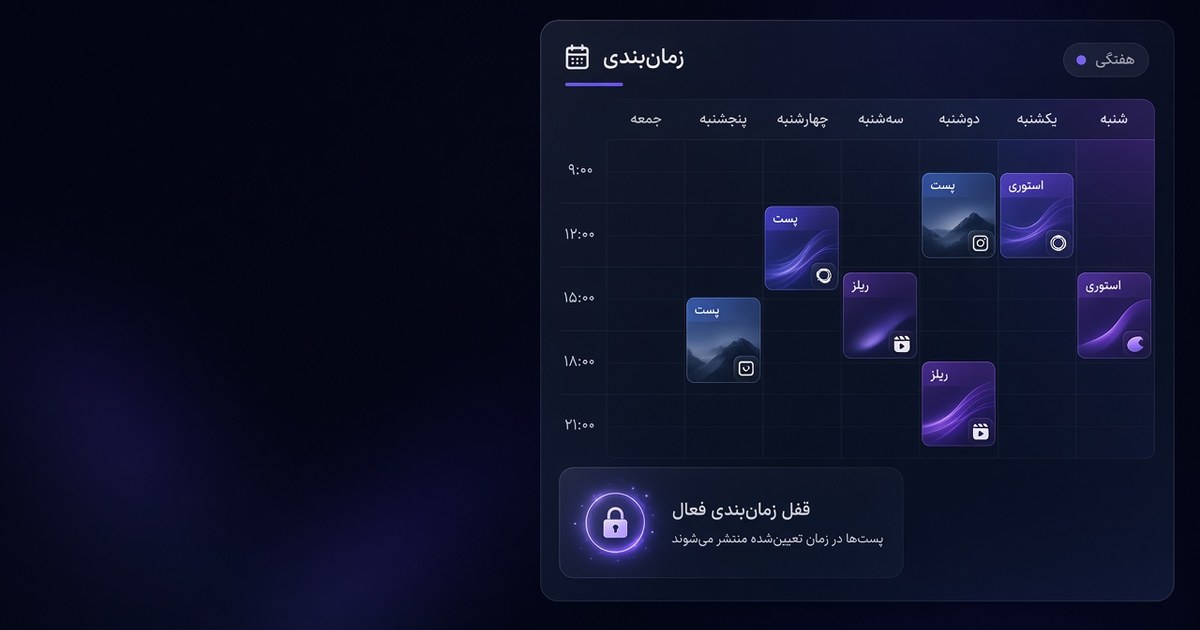
On the day/week view every slot needs a type—not a vague “post” cell. Right types mean correct crop, Story sequence, and complete Reels. Without types, the calendar is only a list of hours.
One parent idea → adapted outputs
One parent idea (“three packaging mistakes”) can become a carousel, three-frame Story, hook-first Reel, and a shorter cousin elsewhere—adapted copy and aspect ratio, not one pasted caption. Same create+schedule idea: AI social media scheduler guide.
Build a weekly Instagram calendar rhythm
A light, repeatable week beats a crowded calendar that slips. Mix teach (carousel/Reel), soft sell (product/Story link), social (BTS/Q&A), and buffer slots—then tune with your Insights. Skip generic “best time” tables; midday/early evening are hypotheses. After two weeks, adjust Reel spacing and Story hours from what actually earned saves or watch time. No virality claims—just a steadier queue.
Multi-network scheduling from the same calendar (15+)
ASONET covers 15+ networks on one calendar. Lock adapted versions network by network—not a blind “everywhere” switch. Staggered usually beats simultaneous-blind: LinkedIn in work mornings, Instagram later, Telegram when your audience is online. Preview aspect ratio and caption length per network. 15+ is flexibility, not a mandate to fill every channel daily. Optional compare path: Buffer alternative.
Common scheduling mistakes
1. Locking an incomplete file — Reel without final captions or Story without a clean crop. 2. Ignoring content type — Stories and Reels treated like square feed posts. 3. One caption for every network — No tone or length adaptation. 4. Generic “best times” without Insights — Treating midday/evening hypotheses as law. 5. Raw AI publish — Nova output queued without a human edit. 6. Back-to-back Reels with no gap — Competing with yourself. 7. Broken Story sequences — Frames at unrelated hours. 8. A calendar with no buffer — Nowhere left for urgent fixes.
Cut one mistake per week; a clean queue beats a full one.
Try it in ASONET
Soft path to test the loop:
1. Pick one parent idea for the week. 2. Draft with Nova; edit yourself. 3. Lock Post / Story / Reel on the day view. 4. Add staggered, adapted versions on other networks if needed. 5. Tune next week from Insights.
Plans: ASONET pricing. A human approves before schedule.
FAQ
What does scheduling Instagram posts mean? Locking a publish time for a feed post, Story, or Reel so the content goes out on time without you sitting on the phone at that moment.
Does Instagram have native scheduling? Yes—many professional and creator accounts get native scheduling. Limits show up when you need mixed formats, several networks, or AI create plus human approve on one shared calendar.
What is the best time to post on Instagram? There is no fixed global number. Midday and early evening windows appear for some audiences, but only that account’s Insights are the real benchmark.
How is scheduling Stories different from Reels? Stories last 24 hours and depend on sequence order. Reels are more sensitive to a complete file, an opening hook, and spacing between publishes—and should not sit in a static feed-style queue.
What is Nova’s role in scheduling? Nova is ASONET’s AI layer for captions, images, and short video. A human edits the output, then it locks on a 15+ network calendar—never raw publish without approval.
Can you post the same content to several networks at once? You can, but a parent idea with adapted copy, aspect ratio, and sometimes a different hour works better. One caption pasted everywhere is usually weak.
Next steps
- What is an AI social media scheduler? — category definition and feature checklist - Buffer alternative 2026 — fair classic-queue vs AI create+schedule compare - Buffer alternative (compare hub) — optional product compare path - Persian version of this guide - ASONET pricing — plans and soft start